Save flashcards from a Claude chat
Practice a language with Claude, then ask it to save the words to Schwanki. With the Schwanki connector added, Claude sends the cards straight to your account and gives you a link to start reviewing.
Start free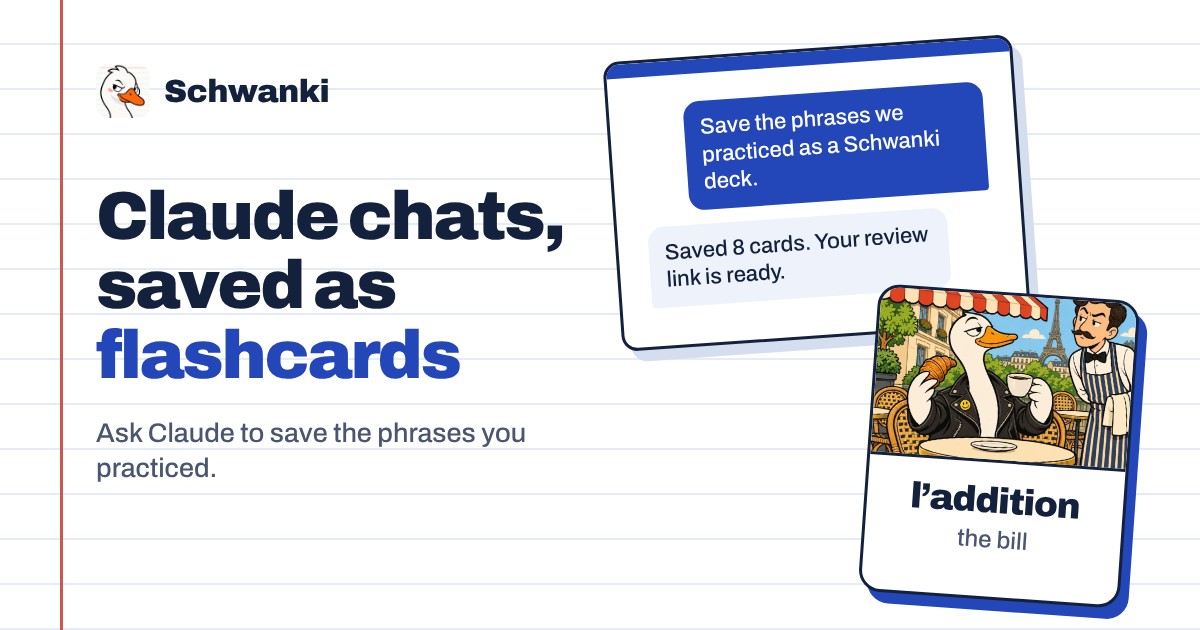
How to set it up
- Add the connector. In Claude, open Settings, then Connectors, and add a custom connector with the address below.
- Sign in to Schwanki. Claude opens Schwanki’s sign-in page. Sign in and approve the connection.
- Ask for a deck. In the chat where you practiced, ask Claude to save the phrases as a Schwanki deck. A deck holds 1 to 24 cards in one language.
- Start reviewing. Claude replies with how many cards were saved and a review link. Cards you already had are skipped.
Good to know
Connector address
Paste this as the connector’s URL in Claude.
https://schwankiapp.com/mcpWhat Claude can do
Claude can list your decks, read their cards and review progress, and save new decks. It can’t edit or delete anything.
What a card holds
A word or phrase, its meaning, and optionally a reading and an example sentence from your chat.
Without a connector
Any AI chat can make a deck you paste into Schwanki. The ChatGPT page explains that route, and it works in Claude too.
Common questions
Can Claude see my other decks?
Yes, once you approve the connection. Claude can read your decks so it can quiz you or avoid repeating cards you already have. It can’t change or delete them.
How many cards can one request save?
Up to 24 cards in one language. Ask again for another deck if you practiced more.
Is it free?
Saving decks is free on Schwanki’s side. AI pictures and audio for cards are optional and use credits.