Turn a ChatGPT chat into flashcards
After practicing a language in ChatGPT, copy Schwanki’s prompt into that chat. ChatGPT returns the words as a small deck. Paste it into Schwanki, choose the cards you want, and they join your review feed. The same steps work in any AI chat.
Start free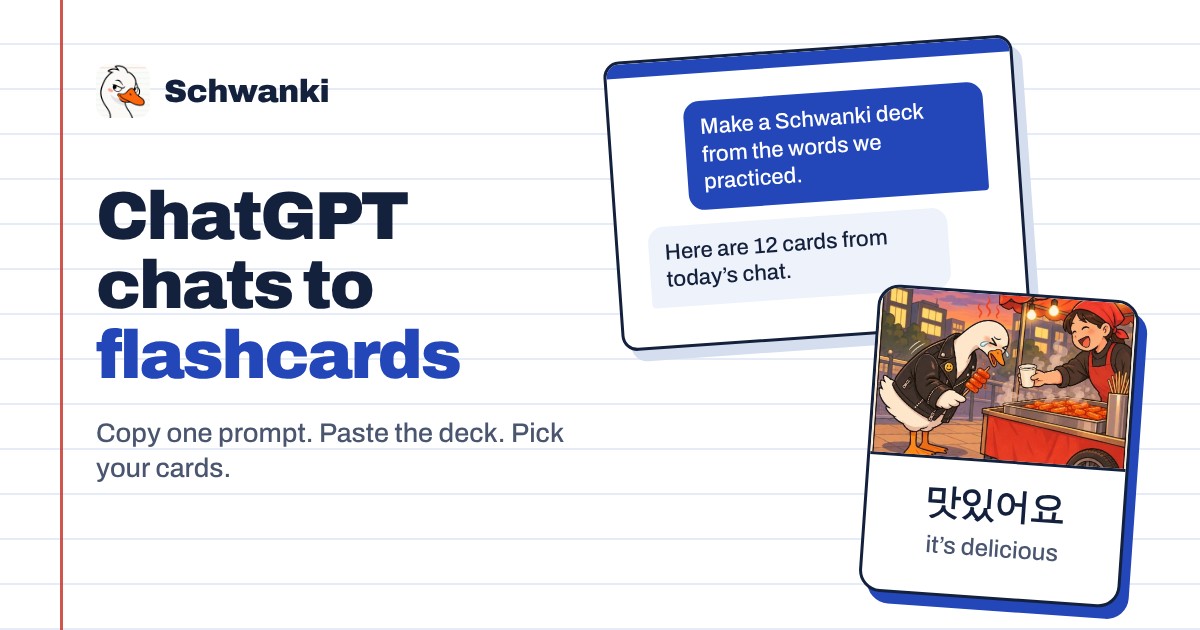
How to set it up
- Copy the prompt. Open schwankiapp.com/import/chatgpt and copy the prompt, or take it from this page.
- Paste it into your chat. Use the conversation where you practiced, so the deck comes from what you studied.
- Paste the result into Schwanki. Copy the JSON the chat returns into the Deck JSON box and choose Preview cards.
- Pick your cards. Sign in, untick any card you don’t want, and save. Cards you already have are skipped.
- Start reviewing. Choose Start reviewing to see the new cards in your feed.
Good to know
The prompt
Paste this into the chat you studied in.
From the vocabulary and phrases we practiced in this chat, make a Schwanki deck with 1 to 24 cards in one learning language. Return one JSON object with "title", "language" (a short language code such as "es"), and "cards". Each card needs "front" and "back". It can also have "reading" and "exampleSentence". Use concise translations and leave out personal details.Limits
One deck holds 1 to 24 cards in a single language. Ask for a second deck if you practiced more.
Preview links
If your AI app has a Schwanki connector, it gives you a Preview in Schwanki link instead of JSON. Open the link and pick your cards the same way.
Common questions
Does Schwanki read my ChatGPT history?
No. Schwanki receives only the deck you paste or the preview link you open.
Do I need a paid ChatGPT plan?
No. The prompt is plain text and works in any chat.
Does this work with other AI apps?
Yes. Any assistant that can follow the prompt returns a deck you can paste. Apps that support MCP, like Claude, Cursor and Grok, can connect to Schwanki and save cards directly.