Chinese
偷
tōu · verb
to steal
那只鹅偷了我的作业。
That goose stole my homework.
↑ Reveal the meaning
 Schwanki
Upload a PDF, slides or screenshots from class, or import an Anki deck. Swipe through your words, and each one comes back right when it’s due.
Here’s 偷 from a Chinese lesson, back in the feed. Reveal the meaning, rate how well you knew it, and the next due word slides in.
Skip the demo偷
tōu · verb
to steal
那只鹅偷了我的作业。
That goose stole my homework.
↑ Reveal the meaning
Upload class PDFs, PowerPoint slides, or screenshots of the whiteboard. You can also connect Google Docs and Sheets. New words wait in your Inbox. Fix anything that looks off and keep the ones you want to study.
来不及
not enough time
我来不及吃早饭。
not enough time
Keep it and it joins your deckImport an .apkg or .colpkg file. Scheduling, review history, pictures and audio all move over, so the cards you know stay quiet and the ones you keep missing come back first.
Import my Anki deckHow Schwanki compares to Anki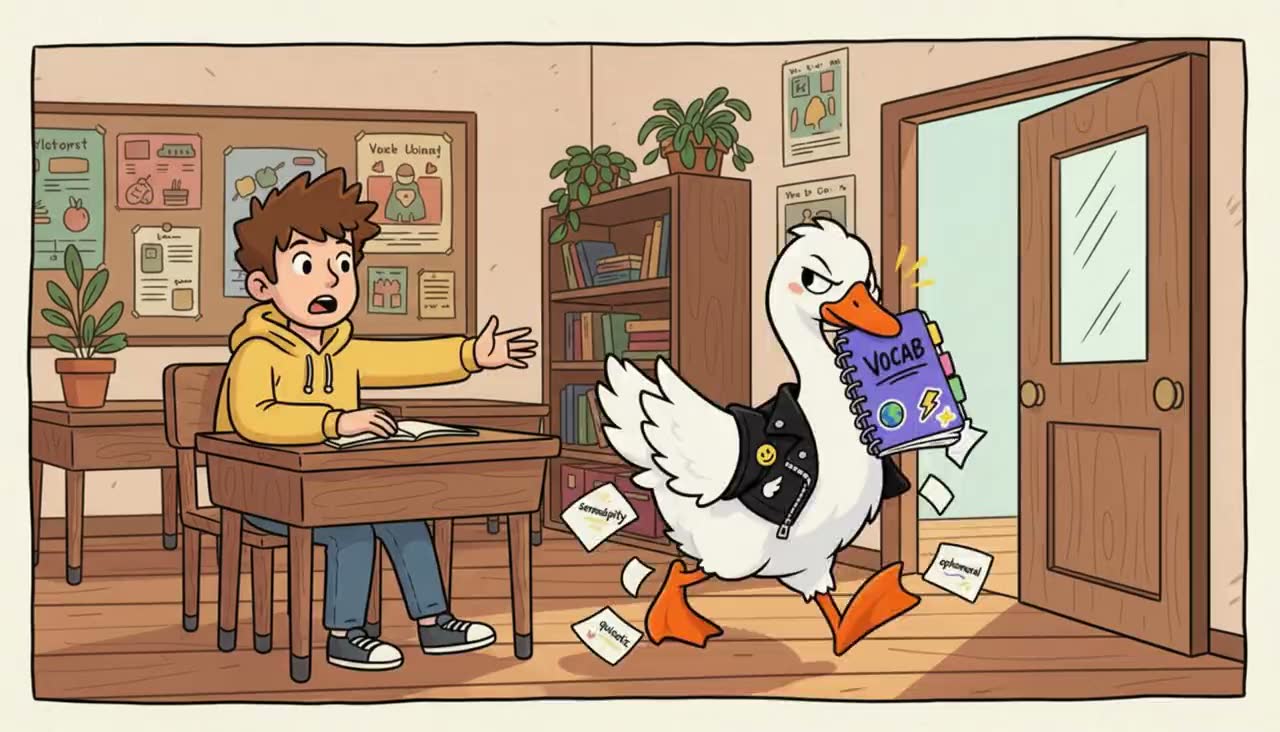
那只鹅偷了我的作业。
That goose stole my homework.
Add an example sentence, a picture and pronunciation audio to the words that won’t stick. Sentences are free for 50 a day. Pictures and audio use credits or your own AI keys, and you choose which cards get them.
See what credits costFSRS, the scheduler modern Anki uses, decides which words are due today. Words you keep missing come back sooner. Words you know wait longer. When today’s words are done, the feed stops and you can go live a little.
Ask your tutor for the PDF they used in class, or download their Canva design as a PDF if they’ve shared access. Upload the file as class notes in Schwanki, then approve the vocabulary you want to study. The approved cards join your review queue.
Import an .apkg or .colpkg export. Your cards come with their scheduling state, review history, and supported pictures and audio.
Open Schwanki in your browser or add it to your phone’s home screen. Phone review uses the feed; desktop review keeps the flashcard layout.
Once your due cards are cached, you can review offline. Your ratings sync when you reconnect.
New accounts start with 10 free AI credits to try pictures and audio. Sentences are free for 50 a day. Choose a card to enhance, or add your own provider keys in Settings. Imported cards don’t need AI generation to be reviewed. See pricing.