Save flashcards from a Gemini chat
Gemini can connect to Schwanki’s MCP server as a custom connected app. Add the server address once in Gemini’s settings and sign in to Schwanki. Then ask Gemini to save the words from your chat as a deck, and the cards land in your scroll feed with a review link.
Start free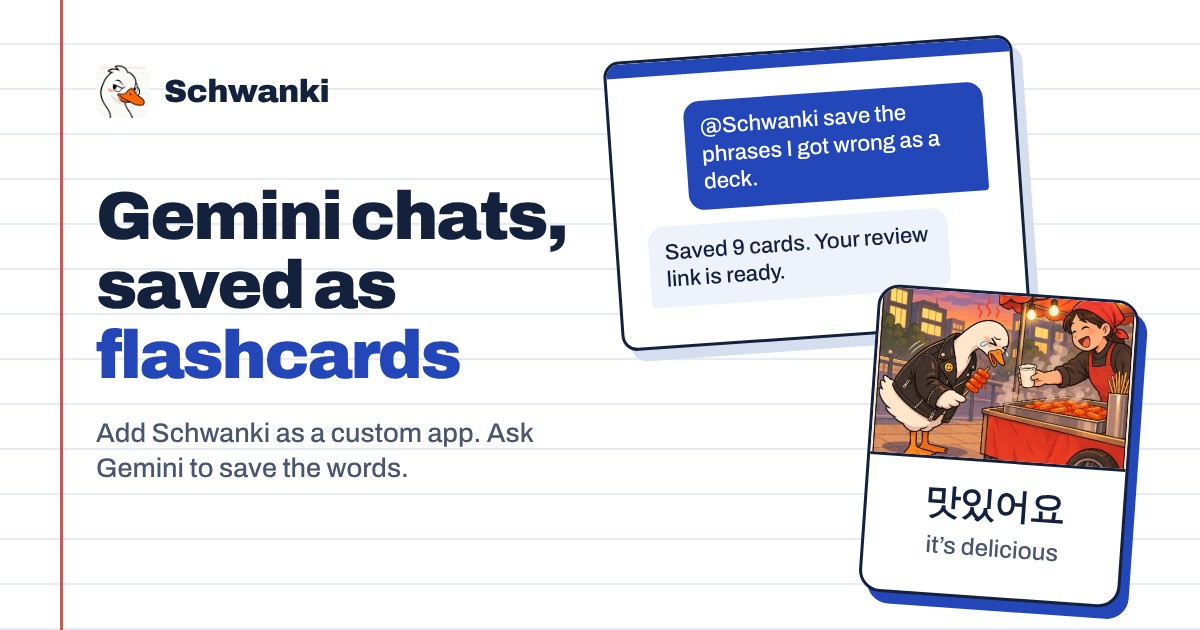
How to set it up
- Open Connected Apps. On gemini.google.com, open Settings, then Connected Apps, then Custom apps, and choose Add a custom app.
- Add the server address. Name it Schwanki and paste the address below. Gemini registers itself, so there’s no client ID to copy.
- Sign in to Schwanki. Gemini opens Schwanki’s sign-in page. Sign in, check the app’s name, and choose Connect.
- Ask for a deck. Type @Schwanki and ask it to save the phrases you practiced. Gemini asks you to confirm before it saves anything.
Good to know
Server address
Paste this into Gemini’s custom app form.
https://schwankiapp.com/mcpWho can add custom apps
Google currently offers custom connected apps on personal Google accounts for adults in the US, in English, with Gemini Apps Activity turned on.
What Gemini can do
Gemini can list your decks and what’s due, read a deck’s cards and review progress, and save new decks filed under a teacher or topic. It can’t edit or delete anything.
Example prompts
“@Schwanki save the phrases I got wrong in this Spanish practice as a deck.” “@Schwanki what am I studying, and how many cards are due?” “Turn this Japanese lesson transcript into flashcards, skipping words I already have in Schwanki.”
Common questions
Is Schwanki in Gemini’s app directory?
Not yet. We’ve applied for a listing. Until then, add Schwanki as a custom app with the address above.
Why doesn’t Custom apps show up for me?
Google limits custom connected apps by country, language, age and account type. If you can’t see it, any AI chat can still make a deck you paste into Schwanki, as the ChatGPT page explains.
Is it free?
Yes. Saving and reading decks is free. Pictures, audio and video on cards use Schwanki AI credits, and only when you ask for them.